
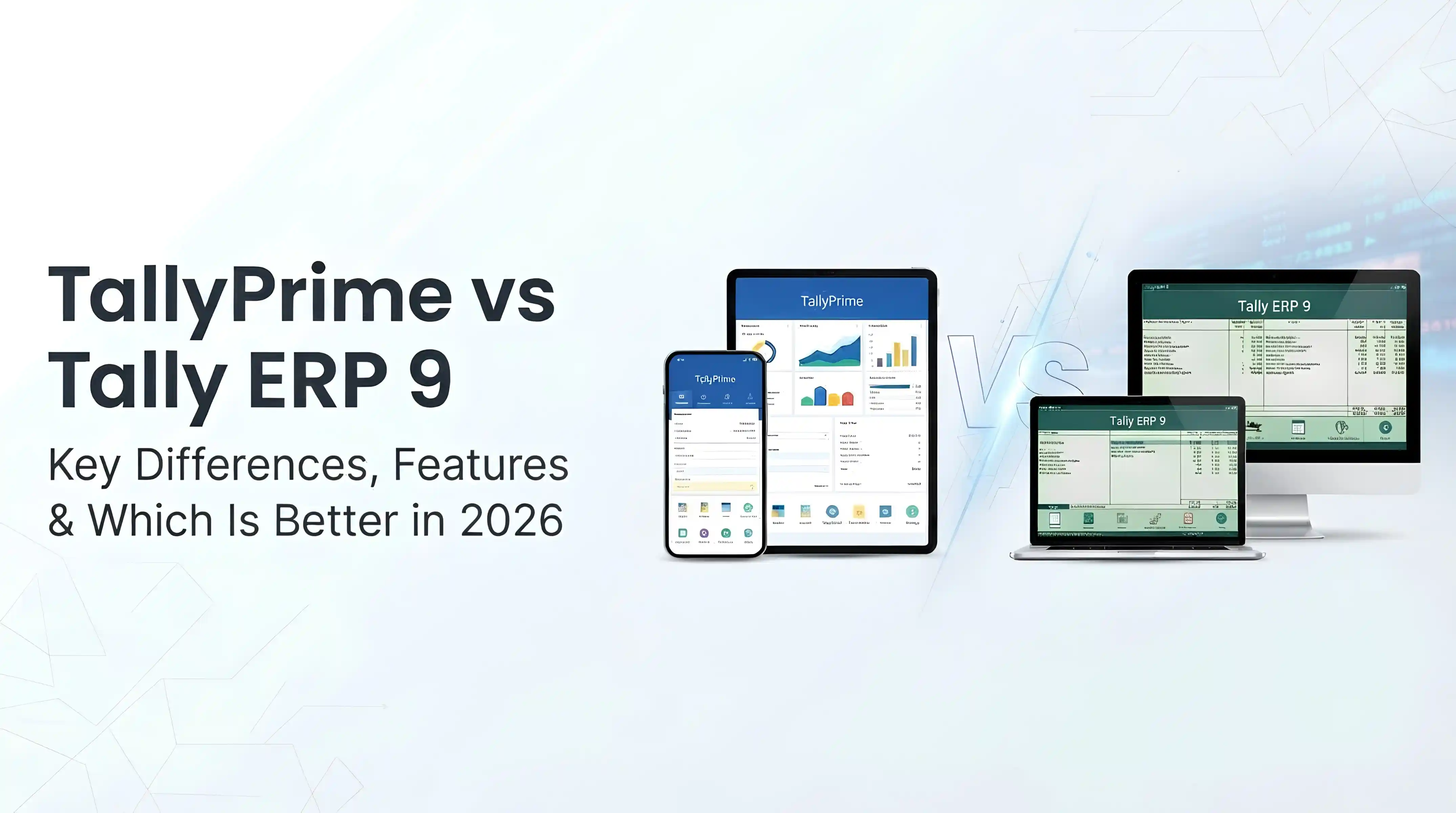
TallyPrime vs Tally ERP 9: Key Differences, Features & Which Is Better in 2026
If you are trying to decide between TallyPrime and Tally ERP 9, the short answer is this: TallyPrime is the newer, more efficient, and future-ready version, while Tally ERP 9 is older and gradually being phased out.
Both software solutions are built on the same powerful accounting engine that has made Tally a global standard for small and medium-sized businesses. However, TallyPrime significantly improves usability, introduces multitasking, adds AI-powered automation, and continues to receive regular updates.
For most modern businesses, especially SMEs looking to scale or improve efficiency, TallyPrime is the better long-term choice.
That said, the right option still depends on your current setup, staff familiarity, and operational needs. If your team has used Tally ERP 9 for years, switching may require a short adjustment period. This guide breaks down the real differences so you can make a confident, practical decision.
Before choosing an accounting platform, it can also help to understand the key differences between accounting and bookkeeping, especially if you are setting up financial processes for a growing business.
Quick Comparison: TallyPrime vs Tally ERP 9
- User Interface: Tally ERP 9 uses a traditional menu-based interface; TallyPrime introduces a simplified, search-driven interface with “Go To.”
- Ease of Use: ERP 9 requires training and experience; TallyPrime is designed for faster onboarding and ease of use.
- Multitasking: Limited in ERP 9; fully supported in TallyPrime with multiple screens open at once.
- AI Features: Not available in ERP 9; available in TallyPrime (Docs by Ira and automation tools).
- Updates: ERP 9 receives minimal updates; TallyPrime is actively developed and improved.
- Reporting: ERP 9 requires multiple steps; TallyPrime offers faster, customizable, and interactive reports.
- Remote Access: Available in both; smoother and more flexible in TallyPrime.
- Future Support: Declining for ERP 9; strong and ongoing for TallyPrime.
What Is the Main Difference Between TallyPrime and Tally ERP 9?
The main difference between TallyPrime and Tally ERP 9 lies in usability, speed, and future readiness.
Tally ERP 9 was designed in an era where functionality mattered more than user experience. As a result, it is powerful but requires users to navigate through multiple layers of menus to perform tasks. This can slow down workflows, especially for new users or business owners who are not accounting experts.
TallyPrime was built to solve these challenges. It focuses on simplifying everyday tasks, reducing navigation steps, and improving accessibility. Features like search-based navigation, multitasking, and automation make it easier for users to complete tasks quickly and accurately.
In practical terms, both versions can handle core accounting functions such as invoicing, inventory management, and financial reporting. However, TallyPrime allows you to perform these tasks faster, with fewer clicks and less room for error.
To learn more about the broader capabilities of the platform, explore our complete guide to Tally ERP software.
User Interface and Ease of Use
This is one of the most significant upgrades in TallyPrime.
Tally ERP 9 uses a menu-driven interface where users must navigate through multiple layers to access features. For experienced accountants, this may feel normal, but for beginners, it can be overwhelming and time-consuming.
TallyPrime replaces this with a cleaner and more intuitive interface centered around the “Go To” feature. Instead of memorizing menu paths, users can simply type what they need.
Example: Accessing Reports
If a business owner wants to check monthly sales performance:
- In Tally ERP 9: Navigate Gateway of Tally → Display → Statements of Accounts → Sales Register.
- In TallyPrime: Press Alt + G, type “Sales Report,” and access it instantly.
This improvement reduces training time and helps teams work more efficiently, especially in businesses where speed and accuracy are critical.
Multitasking Capabilities
Multitasking is a major limitation in Tally ERP 9.
Users typically have to complete or exit one task before starting another. This can interrupt workflow, especially when switching between reports, invoices, and stock data.
TallyPrime introduces true multitasking, allowing users to open multiple reports and screens simultaneously.
Why This Matters
- You can compare financial reports side by side without closing windows.
- You can switch between invoices and stock reports instantly.
- It improves productivity for accountants handling multiple clients or accounts.
For example, a business manager reviewing inventory can quickly open a sales report without losing their current view. This flexibility significantly improves workflow efficiency.
Reporting and Business Insights
Both Tally ERP 9 and TallyPrime offer core accounting reports such as:
- Profit and loss statements
- Balance sheets
- Stock summaries
- Ledger reports
However, TallyPrime enhances how users interact with these reports.
Key Improvements in TallyPrime
- Faster access to reports using search.
- Real-time filtering and customisation.
- Drill-down capabilities for deeper insights.
- Easy export to Excel or PDF formats.
- Automatic error detection and highlighting.
In Tally ERP 9, customising reports often requires navigating multiple menus. In contrast, TallyPrime allows users to modify reports directly on the screen, saving time and improving usability.
This is particularly valuable for business owners who rely on quick financial insights to make decisions. Accountants who need to manage clients, reports, compliance, and daily transactions can also read our guide on TallyPrime for accountants.
AI and Automation in TallyPrime (2026 Update)
One of the most important developments in TallyPrime is the introduction of AI-powered features.
Tally ERP 9 does not include any AI capabilities. All accounting entries must be entered manually, which increases workload and the risk of human error.
In June 2026, TallyPrime 7.1 introduced AI functionality through a tool called Docs by Ira.
What Docs by Ira Does
- Reads invoices, bills, and receipts automatically.
- Extracts relevant data such as amounts, dates, and tax details.
- Converts documents into structured accounting entries.
- Aligns entries with tax rules like GST.
This significantly reduces manual data entry and improves accuracy.
For example, instead of typing details from a supplier invoice, a user can upload the document via desktop, mobile, or even WhatsApp, and TallyPrime will process it automatically.
Tally is also working on conversational AI features that will allow users to ask questions like:
- “What were my total sales last month?”
- “Which products performed best?”
This marks a shift toward smarter, more intuitive accounting systems. For a closer look at how cloud access, remote work, and artificial intelligence are shaping the platform, read the future of TallyPrime cloud, remote access, and AI accounting.
Remote Access and Cloud Capabilities
Remote access is essential for modern businesses, especially those with distributed teams or multiple branches.
Both Tally ERP 9 and TallyPrime support remote access, allowing users to work from different locations.
However, TallyPrime provides a more seamless experience, particularly when integrated with cloud solutions.
Benefits of TallyPrime Remote Access
- Easier management of multiple users.
- Better synchronization across devices.
- Improved speed and reliability.
- Secure access to financial data from anywhere.
This is especially useful for businesses operating across cities or countries, including those in regions like Ghana and Nigeria where remote work is increasingly common. Reliable infrastructure is important for this setup, so businesses may also benefit from professional networking services in Ghana.
Tax Compliance and Updates
Tax compliance is a critical function of any accounting software.
Both Tally ERP 9 and TallyPrime support tax calculations, including GST and other regulatory requirements.
The key difference lies in ongoing support:
- Tally ERP 9 receives limited updates.
- TallyPrime is actively maintained and updated with new tax rules.
This ensures that businesses using TallyPrime remain compliant with changing regulations without needing manual adjustments.
For businesses operating in dynamic tax environments, this is a major advantage.
Data Migration and Upgrade Process
One of the biggest concerns when switching software is data loss.
Fortunately, upgrading from Tally ERP 9 to TallyPrime is straightforward and secure.
Tally provides a built-in migration tool that allows businesses to transfer:
- Financial records
- Inventory data
- Transaction history
- Customer and supplier details
The process is designed to preserve data integrity, meaning businesses can continue operations without disruption.
Most upgrades can be completed within a short time, making the transition low-risk.
Pricing and Cost Considerations
Both Tally ERP 9 and TallyPrime follow similar pricing structures:
- Single-user license for individual access
- Multi-user license for teams and organizations
If you already use Tally ERP 9 and have an active support subscription, you may be eligible to upgrade to TallyPrime at little or no additional cost.
However, pricing may vary depending on your location and vendor. It is advisable to confirm with an authorized Tally partner for accurate pricing details.
For businesses in emerging markets, cost-effectiveness combined with improved efficiency makes TallyPrime a strong investment. If you are comparing other ERP options for your business, you can also read our EBizFrame ERP review in Ghana.
Which One Should You Choose?
Choosing between TallyPrime and Tally ERP 9 depends on your business needs and readiness to adapt.
Choose TallyPrime If:
- You are starting a new business.
- You want a modern, user-friendly interface.
- You need automation and AI features to reduce manual work.
- You want software that will continue to receive updates and support.
- You manage multiple operations and need multitasking capabilities.
Choose Tally ERP 9 If:
- Your team is highly experienced with it.
- Your current system works without issues.
- You are not ready to transition immediately.
- You rely on legacy workflows that require ERP 9.
However, even for existing users, upgrading to TallyPrime is generally a smart move due to improved efficiency and future support.
Final Thoughts
Tally ERP 9 and TallyPrime share the same strong accounting foundation, but they are designed for different stages of business evolution.
Tally ERP 9 represents a reliable but older approach, where functionality is strong but usability is limited. TallyPrime builds on that foundation with a modern interface, automation, AI capabilities, and continuous updates.
For businesses looking to improve efficiency, reduce manual work, and stay competitive in a digital-first environment, TallyPrime is the clear and future-proof choice.
If you need help choosing, implementing, upgrading, or configuring TallyPrime for your business, please contact us.
FAQs
Is TallyPrime better than Tally ERP 9?
Yes. TallyPrime offers improved usability, multitasking, AI features, and ongoing updates, making it more suitable for modern businesses.
Can I upgrade from Tally ERP 9 to TallyPrime for free?
In many cases, yes. Businesses with active subscriptions can often upgrade at little or no cost, depending on licensing terms.
Is Tally ERP 9 discontinued?
Tally ERP 9 is not fully discontinued, but it is no longer the focus of development. TallyPrime is now the primary product.
Does TallyPrime support small businesses?
Yes. TallyPrime is designed to be simple enough for small businesses while still powerful enough for larger organizations.
Is TallyPrime suitable for African businesses?
Yes. TallyPrime is widely used by SMEs in regions like Ghana and Nigeria due to its flexibility, affordability, and ease of use.